AI PHOTO UPSCALING
Enlarge your photos without losing quality
Scalio runs a local upscaling engine on your own computer and enlarges photos 2x or 4x with minimal quality loss. No photo ever leaves your machine.
- x2 and x4 enlargement, side by side comparison
- Batch processing for entire folders
- Ready-made sizes for the web (thumbnail, banner, social)
Free. No account, no trial, no subscription. Source code (MIT)
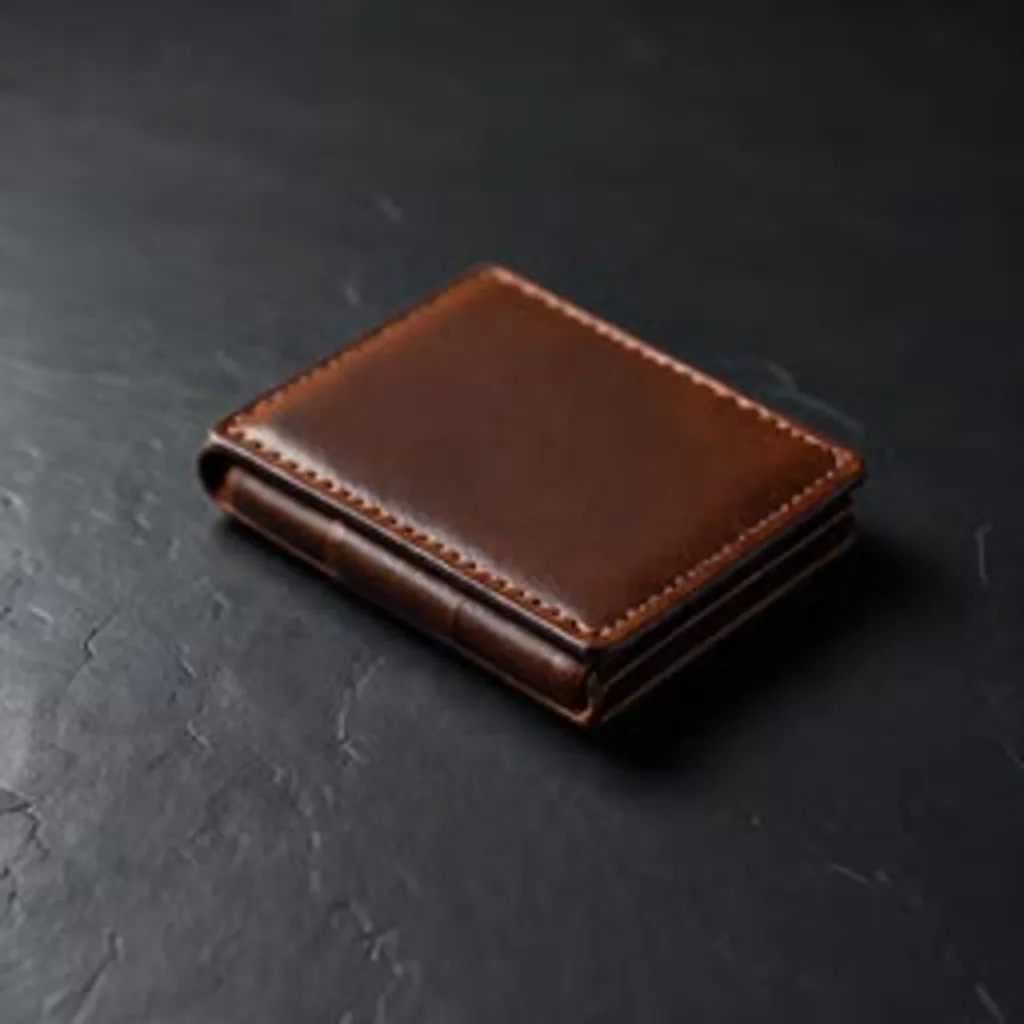 Before · classic resize
After · Scalio x4
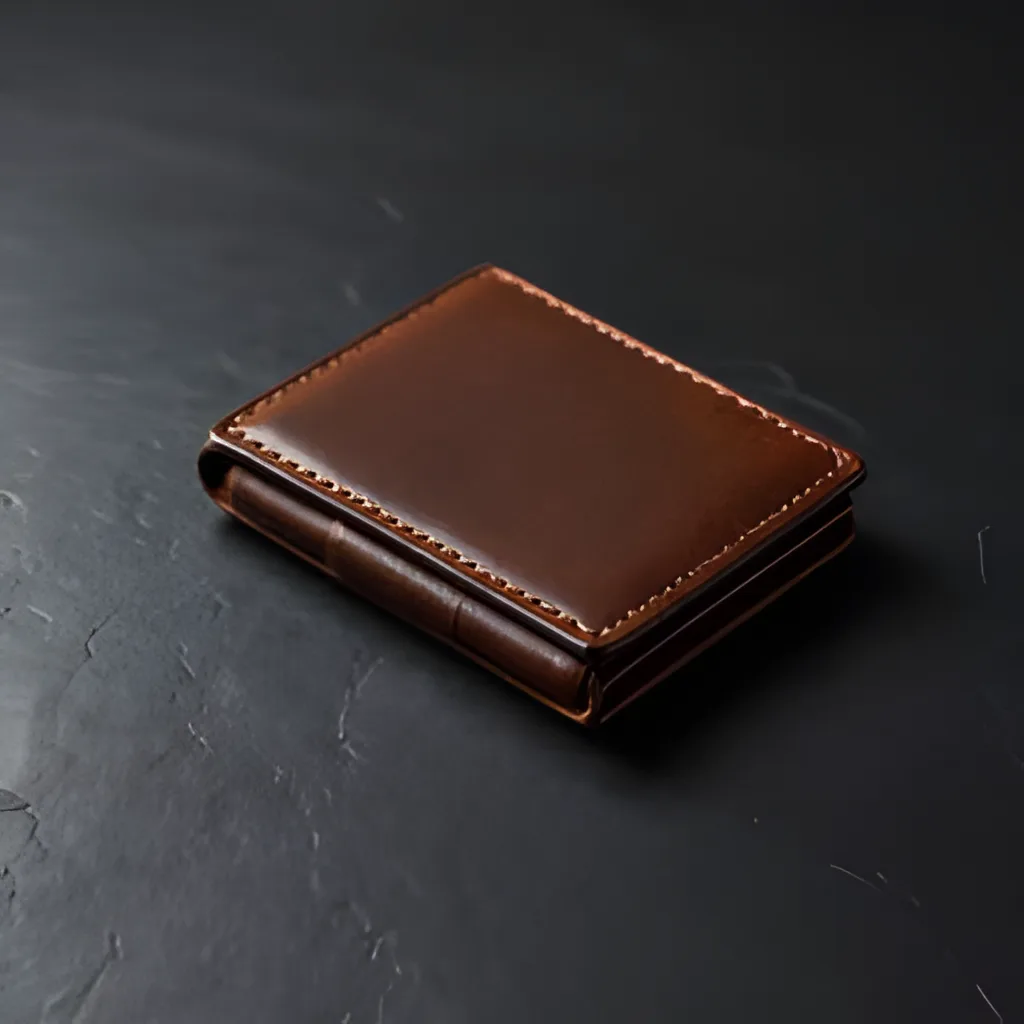
Real output
Compare for yourself
Three small images, each enlarged four times. Drag the slider: the left half is what ordinary resizing gives, the right half is what Scalio's engine made from the same file.
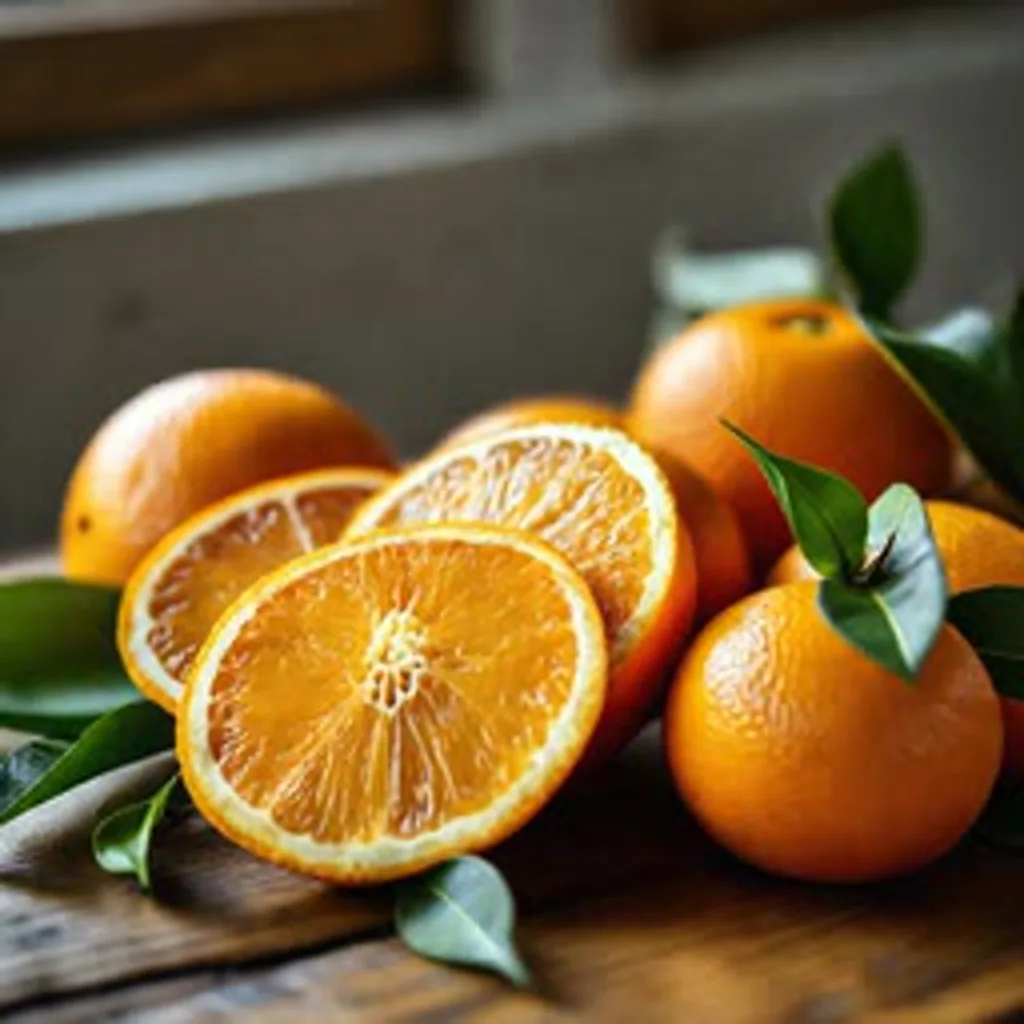 Before · classic resize
After · Scalio x4
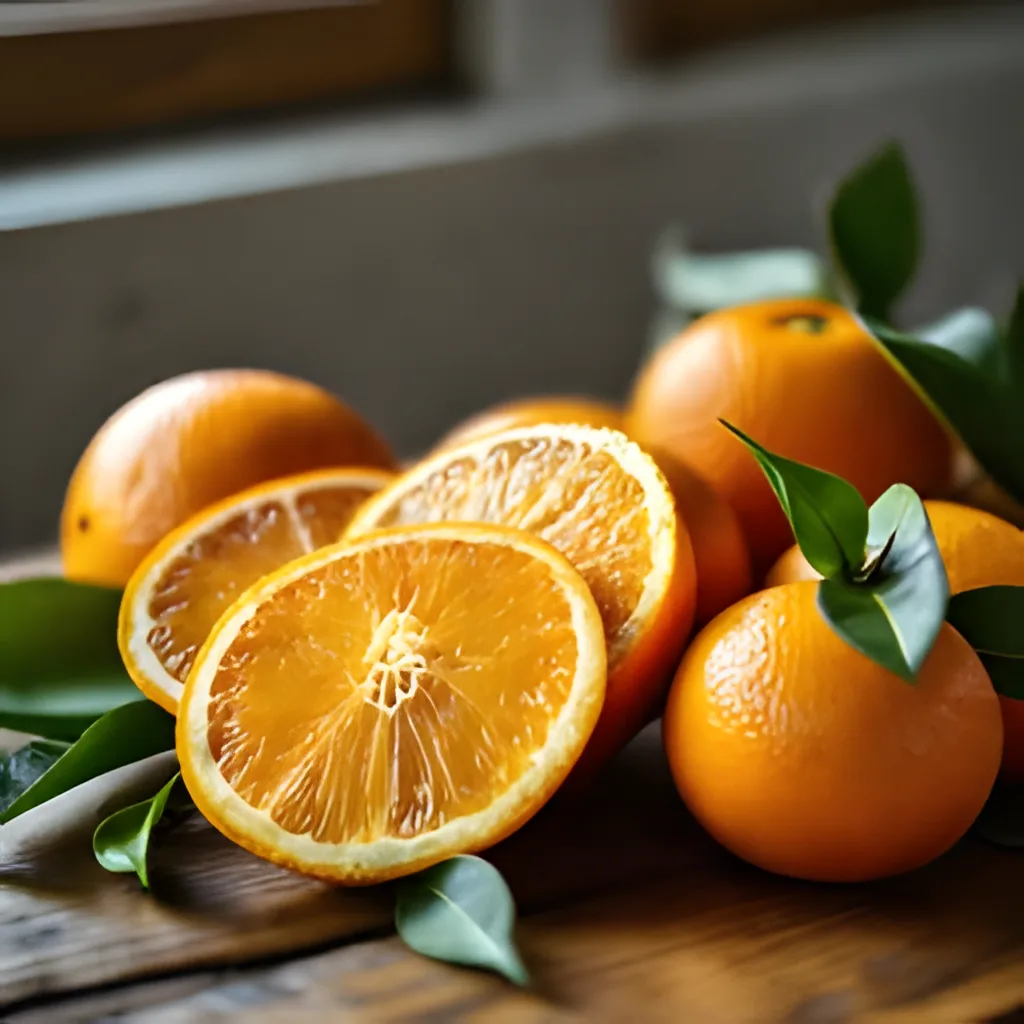 Before · classic resize
After · Scalio x4
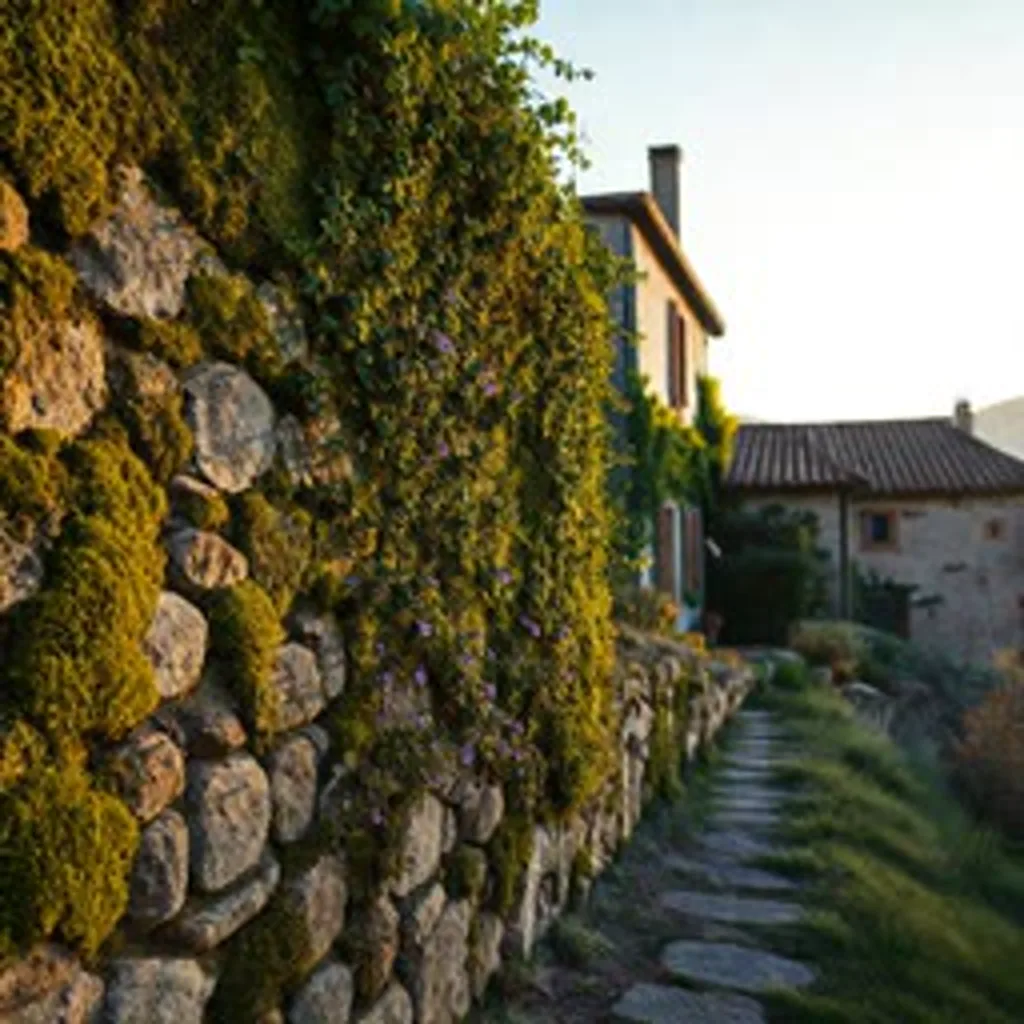 Before · classic resize
After · Scalio x4
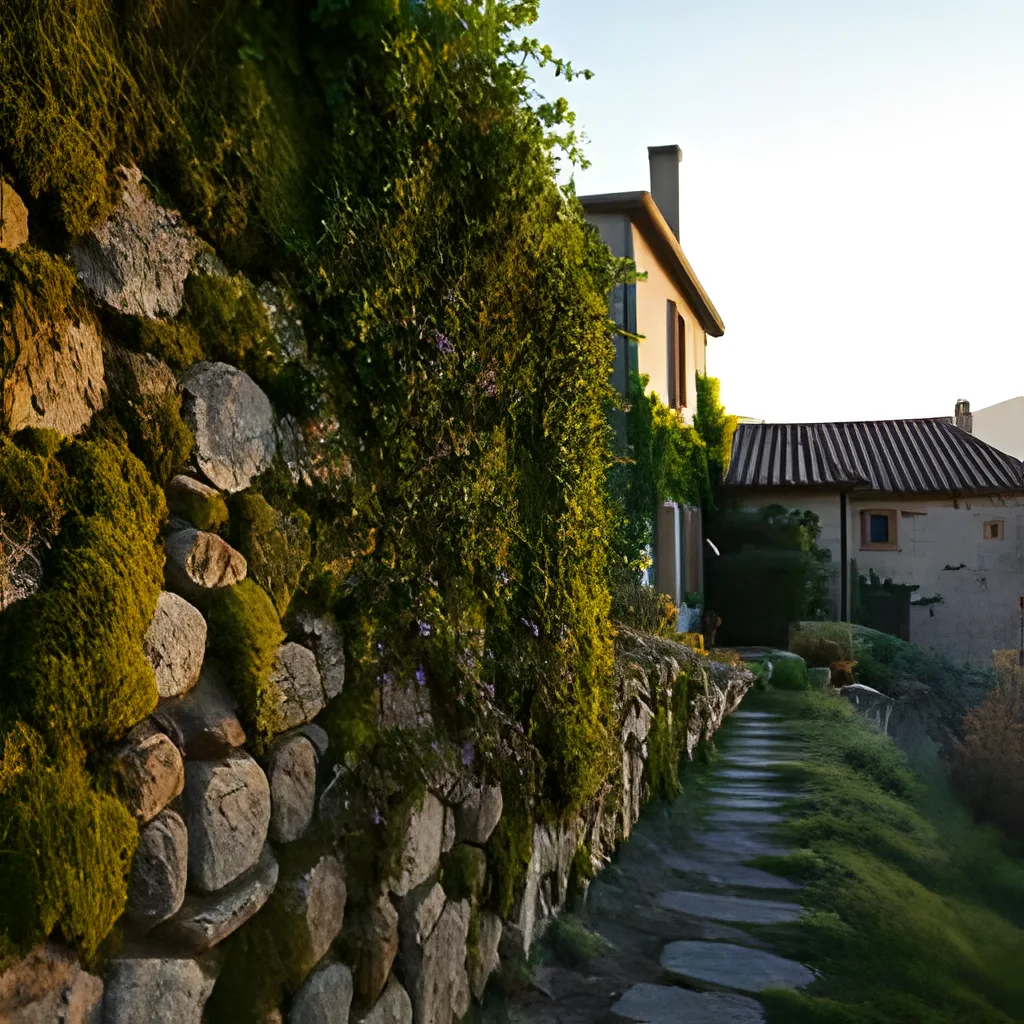
- Input
- 256 × 256 px, enlarged to 1024 × 1024 px
- Scalio setting
- x4 · Photo model; shown here as WebP
- Left half
- The same input with classic bicubic resizing
The screens you will work in
Drop photos in, set the size, get new files out.
Drop a photo — or a whole folder
Drag images or a folder into the window, or pick them by hand. A queue shows every job with its status, from queued to done.
- Common formats inJPEG, PNG, WebP, TIFF and BMP go in; PNG, JPEG or WebP comes out.
- Folders in one goDrop a whole folder and every image in it goes into the queue.
- A queue you can followEach job shows its status, with “Show in folder” and “Before / after” once it is done.
Scale, model, format — and the crop you need
One panel decides the result: x2, x3 or x4, or a target width in pixels; a model for photos or for drawings and logos; the output format; and, if you want, a ready-made crop.
- x2, x3 or x4 — all freeEvery scale, batches and ready-made sizes are free for everyone.
- A model for the contentChoose Photo, or Drawing / logo for artwork.
- Ready-made cropsHero, card, Instagram and Open Graph sizes are built in.
How it works
-
Add your photos
Drag and drop a single photo or an entire folder into Scalio.
-
The engine enlarges it
A local upscaling engine runs on your own computer — nothing is uploaded anywhere.
-
Save the result
Save the enlarged photo, or export it directly in ready-made web sizes.
Ready-made sizes, straight out
Pick a crop preset and the photo comes out at the size a hero banner, a card, an Instagram post or an Open Graph image needs. Your original stays exactly as it was.
- Your original file is never touchedScalio always writes a new file; your original photo is never overwritten.
- Free, with nothing lockedx4, batches and ready-made sizes are open to everyone — there is no trial to run out.
- No payment, everThere is no plan to buy and no card to enter — Scalio is a free tool.
- No account neededInstall it and start — Scalio does not ask you to sign in.
Support
Something not working the way you expect? We read every message.
- Write to us from the Talivio contact page or by e-mail
- Attach the diagnostics file created by the app for faster answers
- We reply within one business day
Free and open
Scalio is a free tool from Talivio. There is no sign-in, no trial and no subscription — download it and use every feature.
Open source licenses used in Scalio
Verify the installer
The installer is unsigned; compare its SHA-256 checksum with the value below before you run it.
Current SHA-256
c47dbea994c7a883c64092e9a5c74dc0f28d000445a4d7fe13f0e9d9ed722c8d